
GameView SignageBridge
The screen the whole room
watches between plays.
Live scores from every league. A 3D map of your own floor showing which TV has which game. Celebrations the second a team scores. Ad space you can sell to the shop next door or a national brand. And a QR code that turns your regulars into Allstars. On a landscape TV or a portrait one, over Ethernet or Wi-Fi, all of it running itself.
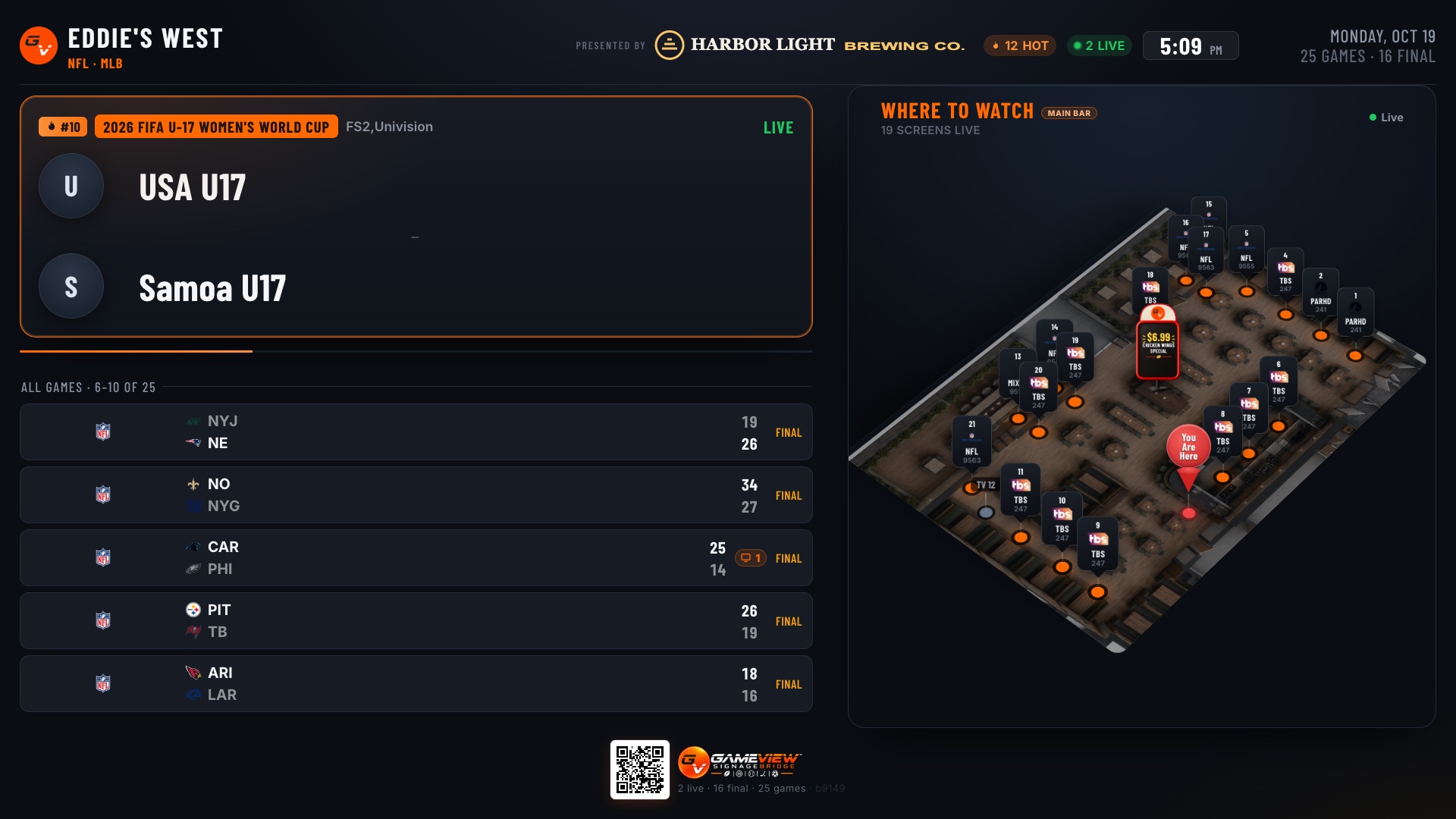 Landscape
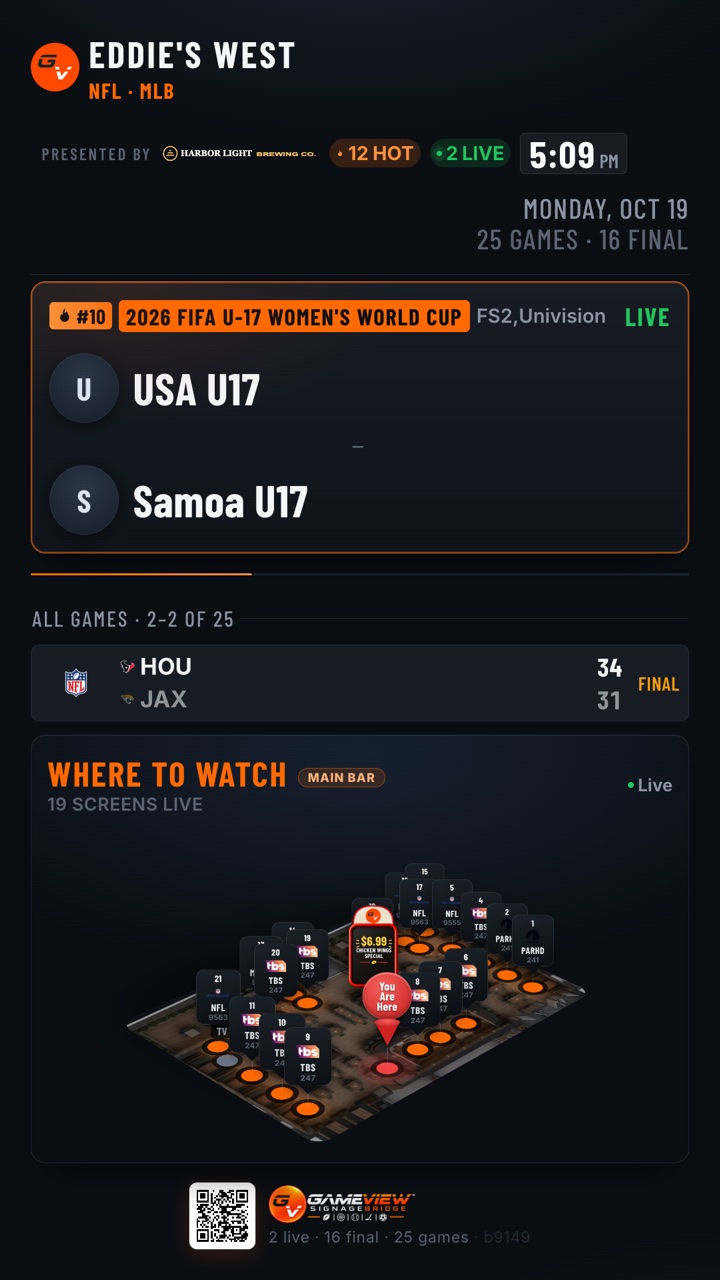 Portrait
One live board, captured at the same moment on a landscape TV and a portrait one. It lays itself out for whichever way the screen hangs. The sponsor is a sample.
Live scores
Every score in the house, live.
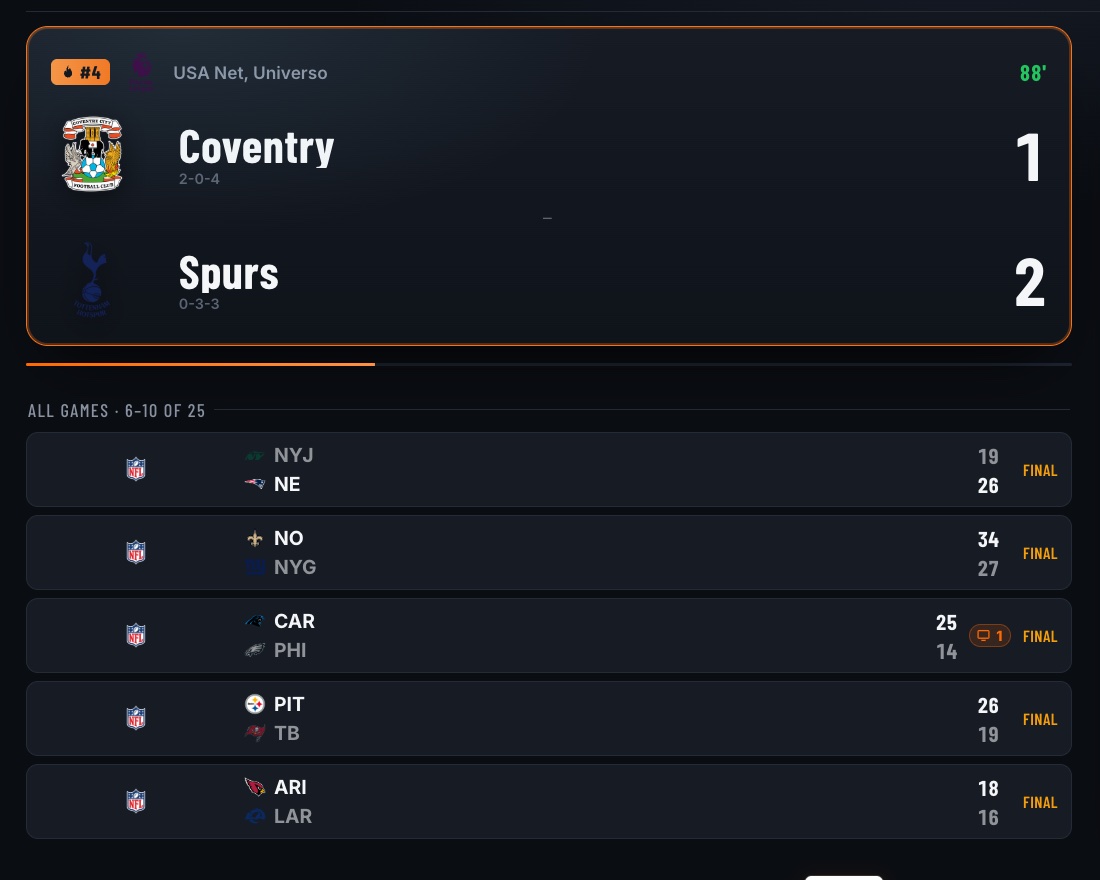
A featured game card rotates through what's live and what just went final, while the games list pages through the rest of the day. Nobody has to touch it.
- The big game leads. The day's hot games are ranked and flagged, so the one everybody came for comes up first.
- "On 3 screens." Any game your TVs are showing says so, right on its card.
- Portrait or landscape. The same board works both ways: hang the TV either way and set each screen's orientation in the portal.
- Your board, your look. Your logo, your colors and your leagues.
- It updates itself. Scores refresh all day, and new features reach every screen without a visit.
3D game map
Your floor plan, in 3D, showing where every game is.
Where to Watch is your own room, slowly turning so every screen comes around. Each TV carries a sign with the game it's showing right now: teams, score, LIVE. A guest walks in, looks up, and heads straight for their game.
- Built from what's really on. It reads what your GameView-controlled TVs are tuned to, or what staff tag in a tap. It never guesses from a schedule.
- "You are here." A marker shows where the screen hangs, so the map reads the right way round.
- Every room. Main bar, patio, game room: each floor gets its own page.
- Floor promos. A placard stands on the map right where the special is served.
Recorded off the live board running an NFL Sunday slate. Press the button to load the real board here: it's the same page the venue's TVs run.
GhostView sensor
See how your room moves.
The GhostView sensor just connects to a GameView TV. That's it. Your floor plan comes alive in 3D: how many people are in, where it's busy, and when the room moves. Watch it live, or replay any night.
- A count you can trust. Do a quick head count once or twice, and the live number follows the room.
- Room by room. Put a GhostView wherever you want to know: the bar, the patio, the game room.
- No cameras, no names. GhostView counts the room, not who's in it. The people in the 3D view show how busy it is, not who stood where.
GhostView on a 3D scan of a real bar, with a simulated crowd.
What a game night looks like in motion
The rush to the bar
The tables empty and the bar fills. Run the halftime special on the bar screens while the line is there.
Nobody moves
The whole room stands still and leans in. That's the most valuable minute of the night for the sponsor on screen.
The game room fills
Motion jumps in the back room as the late game starts. Put that game on the game-room boards and the 3D map sends people there.
The patio clears
The patio goes quiet in minutes. Move the patio promo inside, where the people went.
The drift to the door
Steady movement toward the exit before close. That's your cue for LAST CALL! on every screen.
The dead corner
One corner never moves, game or no game. Turn the TV that faces it, or put the floor promo where people actually stand.
Advertisers like this too: a venue with GhostView reports a measured audience, while one without gets a clearly labelled estimate.
Celebrations · Control Pass
When your team scores, the whole room knows.
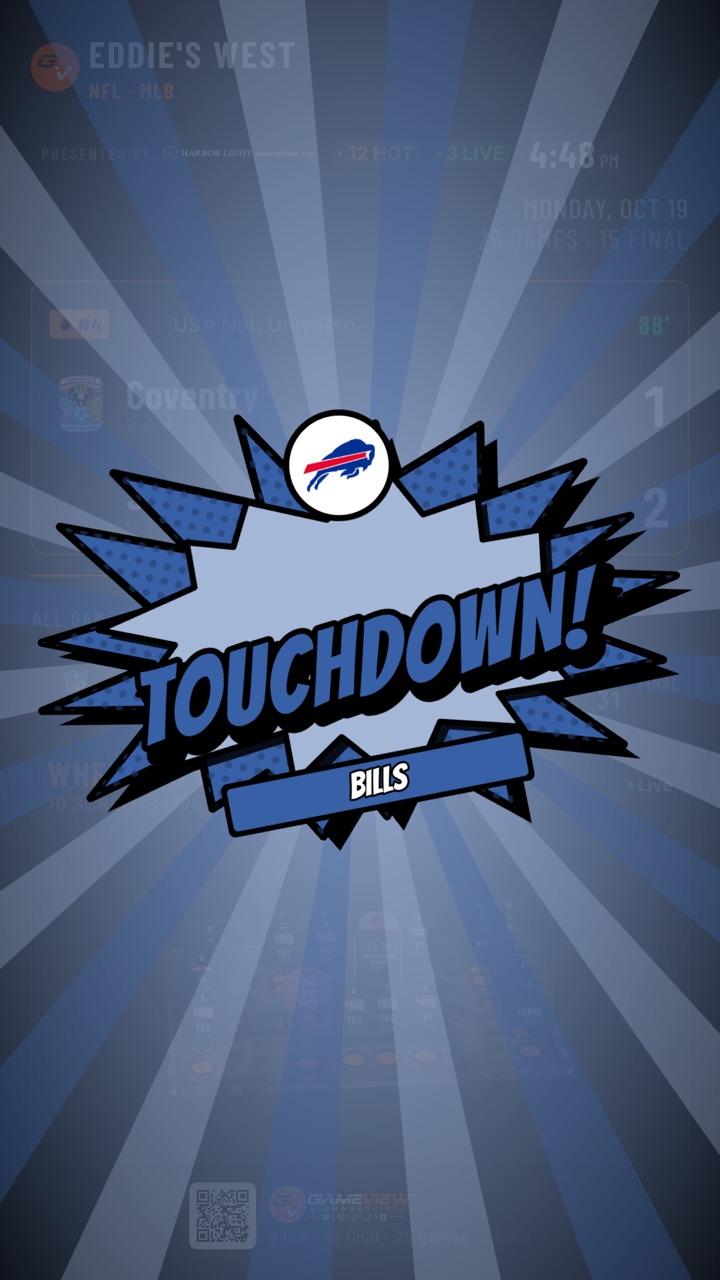
A TOUCHDOWN!, GOAL! or HOME RUN! burst in the team's own colors hits every scoreboard screen at once, and lands over the live game on the GameView TVs showing it.
- Automatic. It fires from the live scoring feed, with a per-venue delay so it never beats the broadcast.
- Or one tap from staff. With Control Pass, bartenders fire it from their phones, but only for the teams and sports the manager grants them.
- Party buttons. SHOTS!, HAPPY HOUR!, LAST CALL!, HAPPY BIRTHDAY!, CHEERS!, on demand or on a schedule.
- Your team, your rivals. The house team gets the full burst plus fireworks from its sign. A rival's score brings a rain cloud. Finals get confetti.
- Never twice. If staff already fired it, the automatic one stands down.
Huddle
Put any TV on any input and see what every screen is playing, with real screen names instead of "TV 73".
Playmaker
Everything in Huddle, plus channel changes from a live guide and today's hot games in one tap.
Hype Squad
The celebrations and party buttons, for the people who make the room loud.
TVs on cable boxes GameView doesn't control? The Hype Squad pass still runs every celebration and lets staff tag which game is on which TV, so the 3D map stays right.
Championship mode
When the title game is on, the screens go all-in.
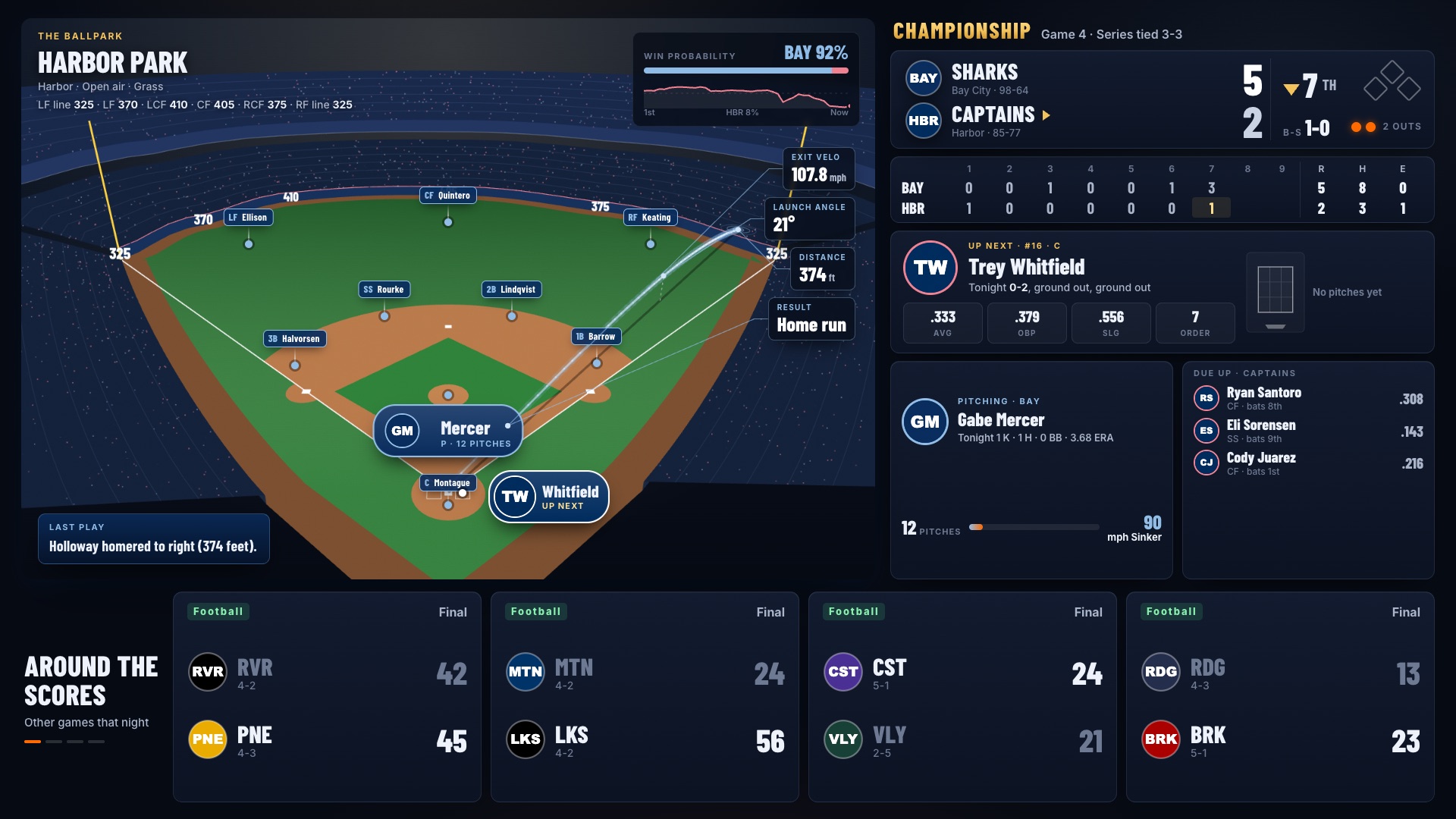
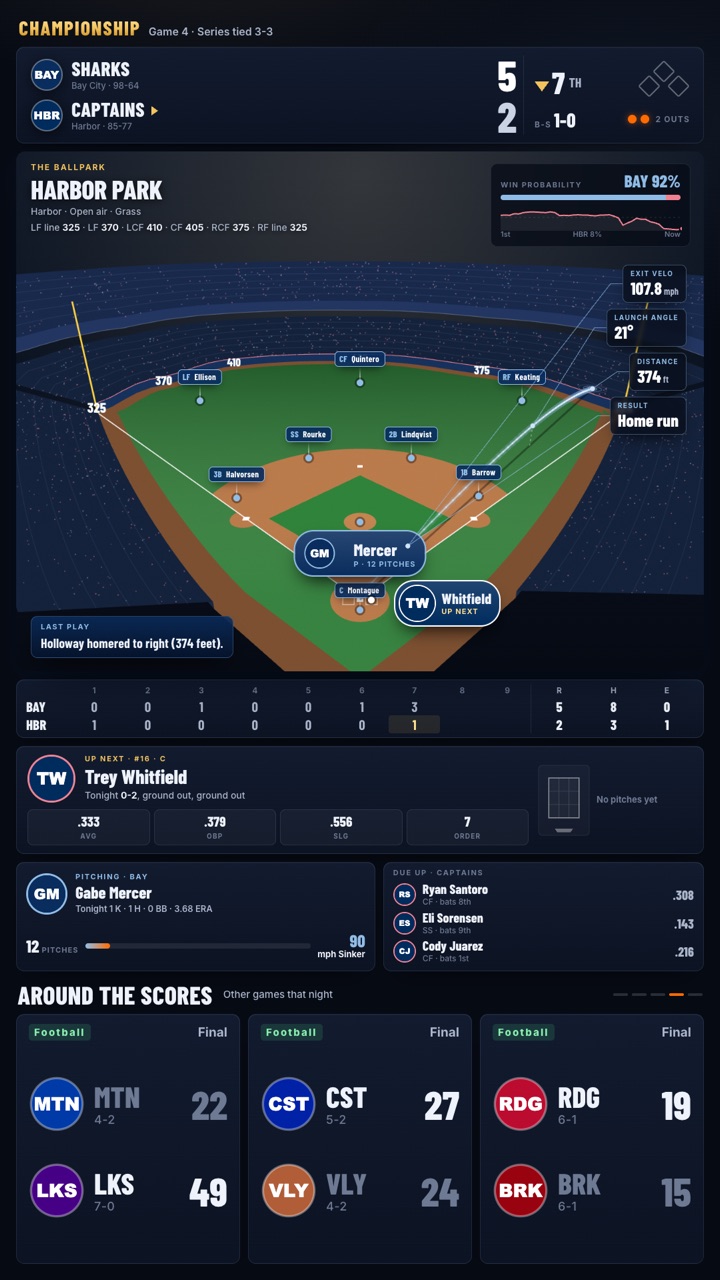
For the biggest games of the year the board becomes the ballpark: the real stadium with its real fence distances, drawn in 3D, with every runner, batter and pitcher where they stand, live, pitch by pitch.
- Every pitch. Its type and speed, where it crossed the plate, the count, who's up next and who's due up.
- Every ball in play. Its flight drawn over the field, tagged with exit velocity, launch angle and distance from the tracking data.
- The whole game at a glance. The linescore, win probability, the play just made, and slow 360° spins of the park between innings.
- The room still celebrates. The house team's home run sets off the burst, scores from around the league run along the bottom, and the Allstars sign-up bar stays on.
- It runs itself. It switches on 15 minutes before first pitch, stays up 30 minutes after the last out, then hands the screen back to the normal board.
Coming for bowl season Football: bowl games, the playoffs and the big game.
 Landscape
 Portrait
Captured from the board replaying a real game. Team names, players and the ballpark's name are changed for this page.
Red Zone
When a team gets inside the 20, your screen is already there.
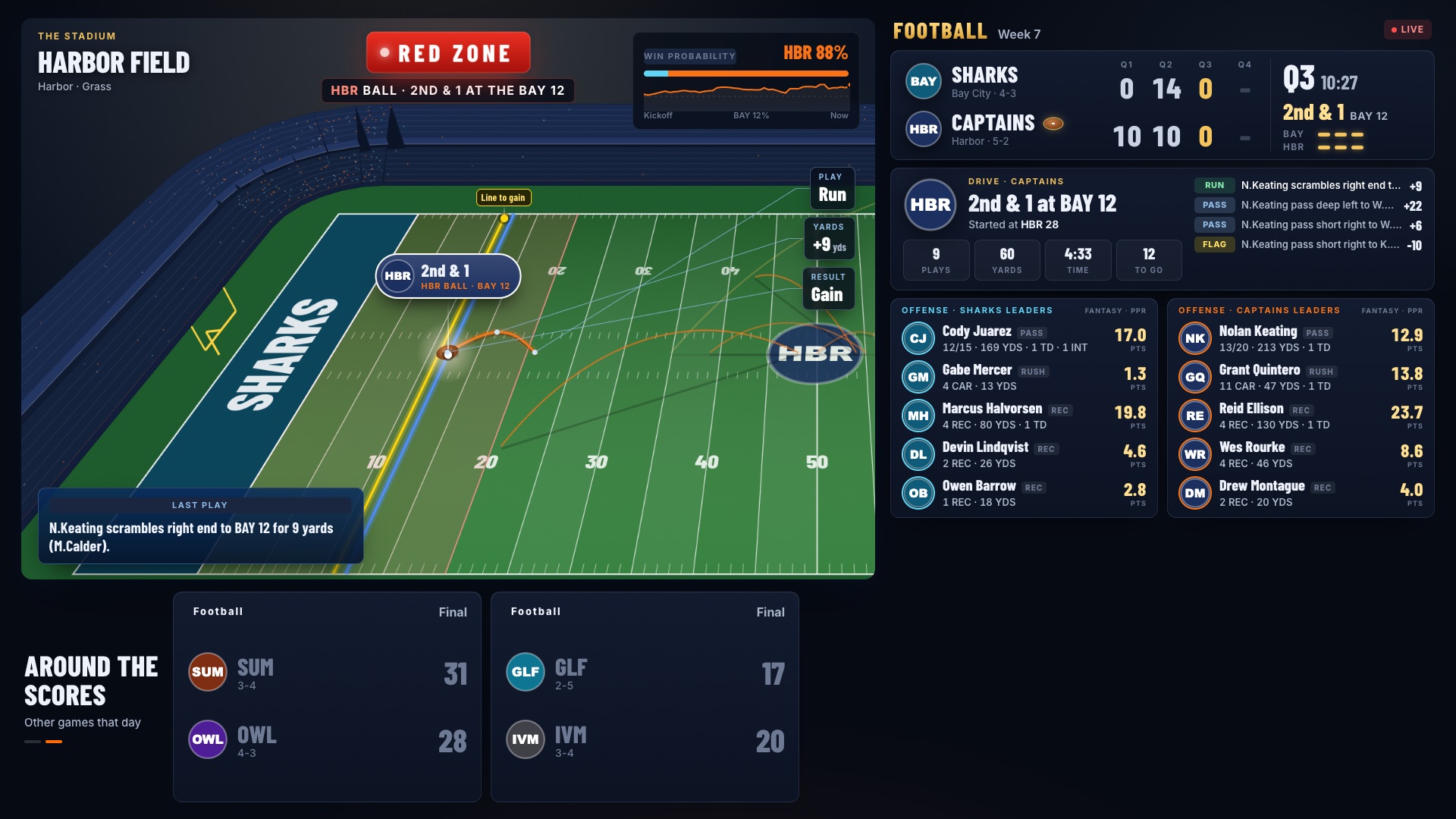
Turn on Red Zone for a screen. While two or more games are on, it follows the action across the league: whichever team is about to score takes the screen, live, play by play.
- Follows the action. It jumps to the game in the red zone and stays there until the drive ends.
- Never misses the touchdown. A score plays out in full, fireworks and all, before it moves on.
- Whip-around between drives. When nobody's close, it rotates the live games, closest score first.
- Fits your board. On a Live Scores board with the 3D map, Red Zone takes the map's spot and the scores stay up. Any other screen goes full screen.
- Fantasy points, live. Every team's offensive leaders show their fantasy points for the game as they happen.
- One switch. Off, NFL or college, screen by screen. When the games end, the screen goes back on its own.
 Full screen
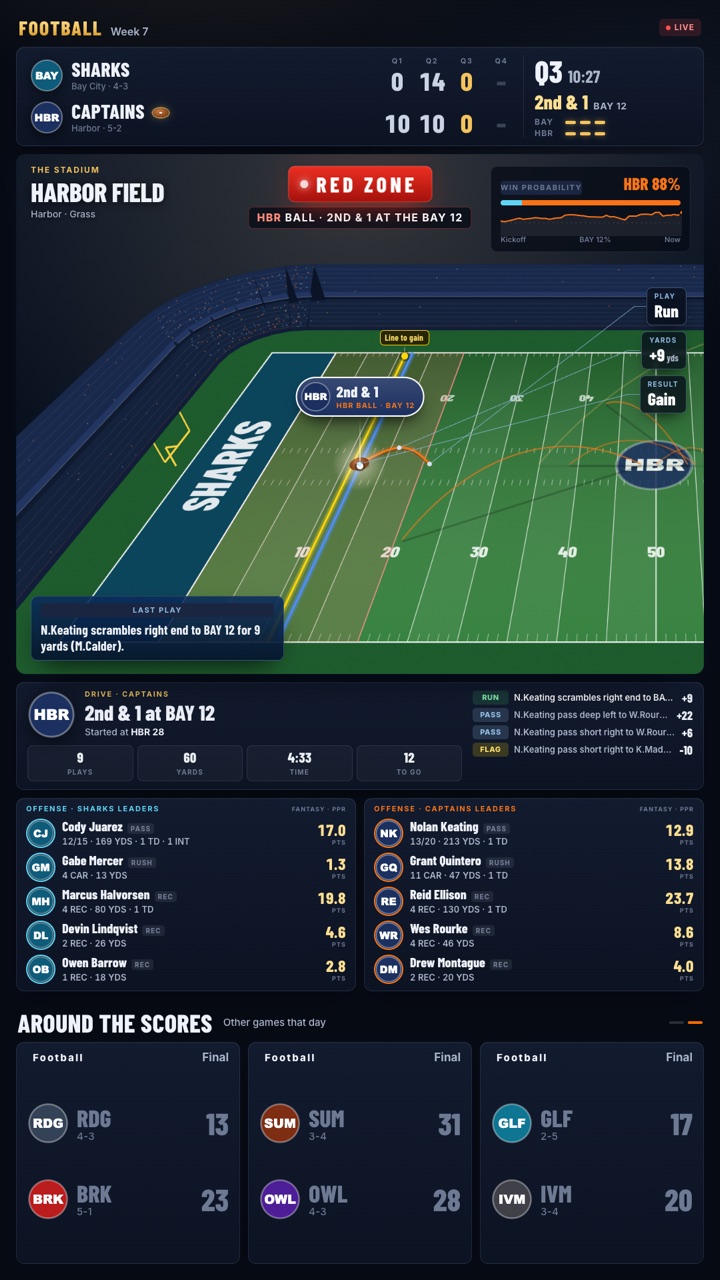 Portrait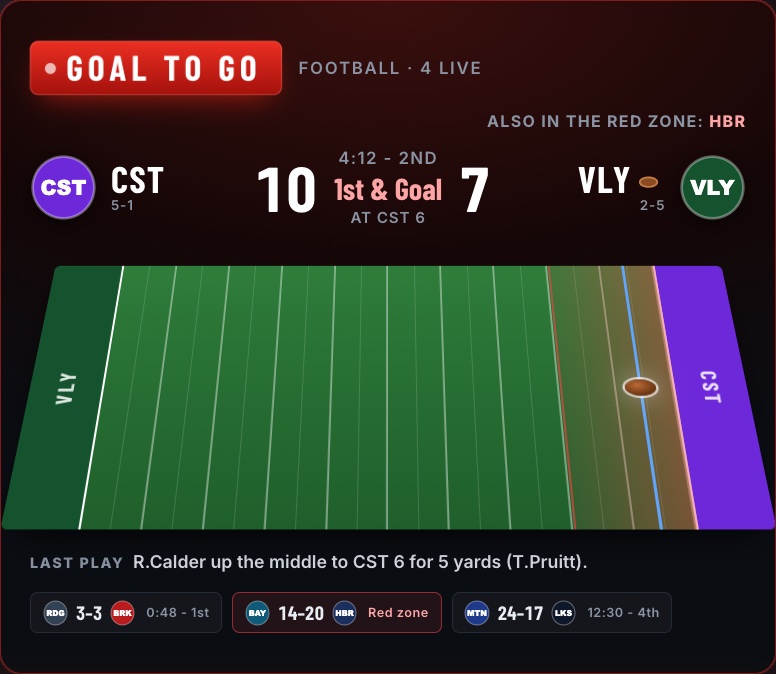
On a Live Scores board, Red Zone takes the 3D map's place.
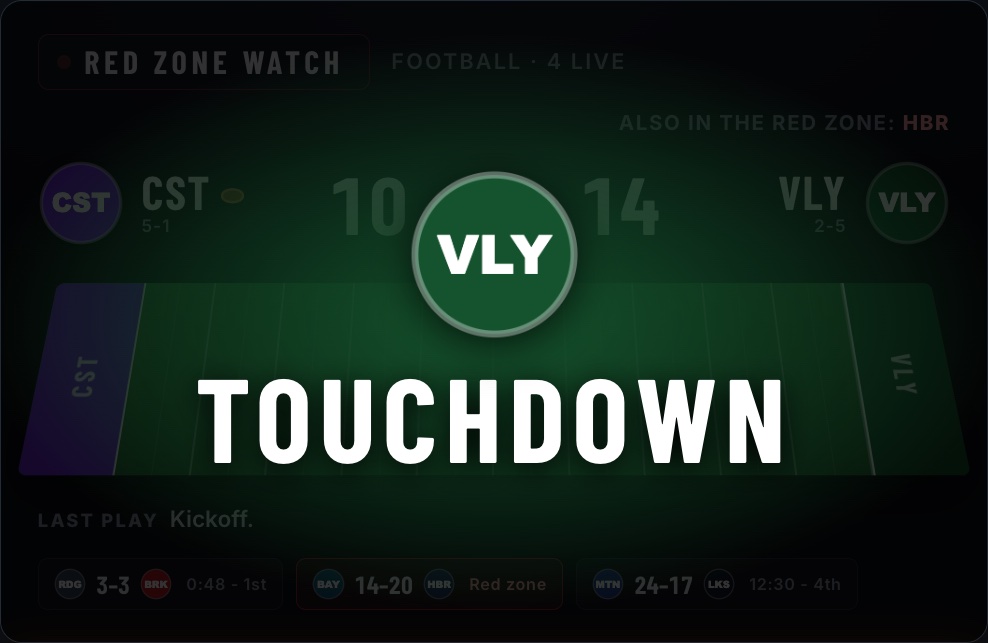
A touchdown, in the scoring team's colours.
Captured from the board replaying a real game. Teams, players and the stadium are changed for this page.
Advertising
Seven places to sell on one screen.
Every zone is booked by day and by hour in the venue's own time, so the brunch sponsor and the late-night sponsor never collide. Pick a zone to see where it sits on the board.
7
- 1
Marquee sponsor
"Presented by" and your logo in the header, on every slide, all day part.
- 2
Featured game
Video ad breaks play inside the featured game card, the spot every eye checks first.
MP4 or HLS videoSignageBridge players - 3
Games list
Video over the list, or a slide that takes its turn every few games for as many seconds as you set.
Image · Tapestry · video - 4
Sponsor row
One row in the games list with a QR code. A scan goes straight to the offer.
Logo + QR call to action - 5
Map takeover
Fills Where to Watch for the booked time. The map pauses for video and comes back when it's done.
- 6
Floor promo
A placard standing on the 3D floor plan right where it's served: price, name and photo.
Price · title · photo - 7
Full board
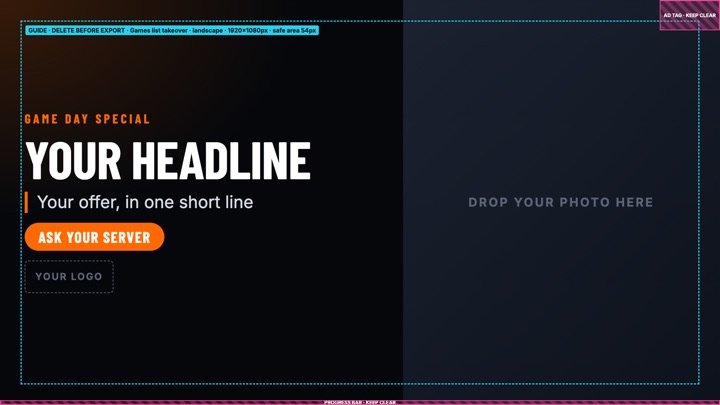
The whole screen, in the rotation between games. Portrait and landscape boards each get their own artwork.
Start in Canva, at the exact size.
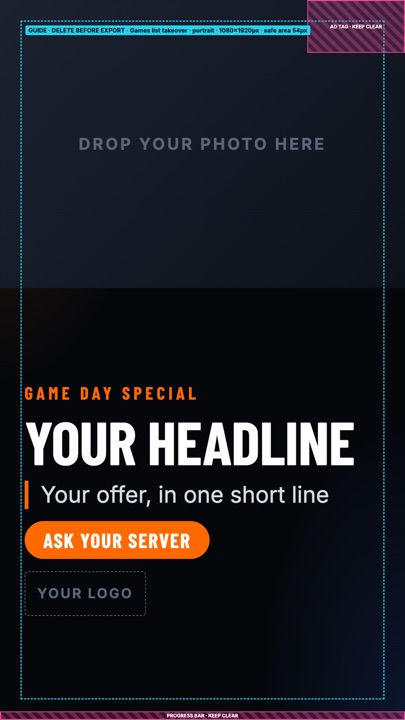
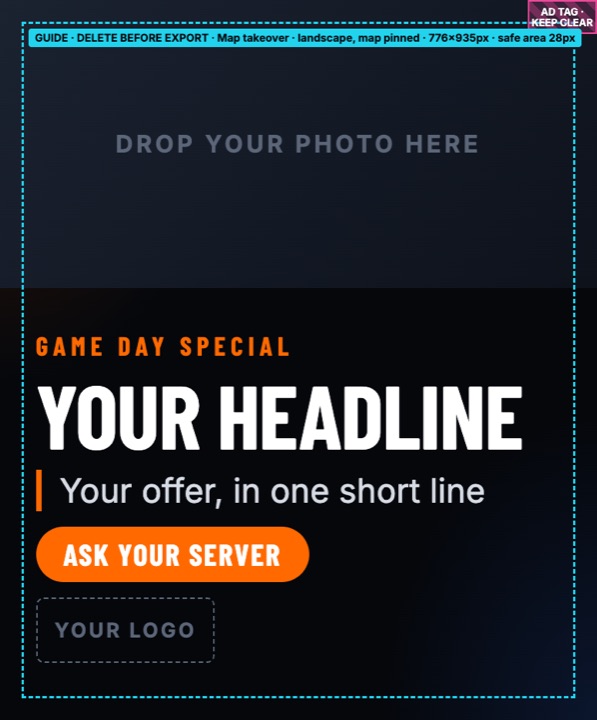
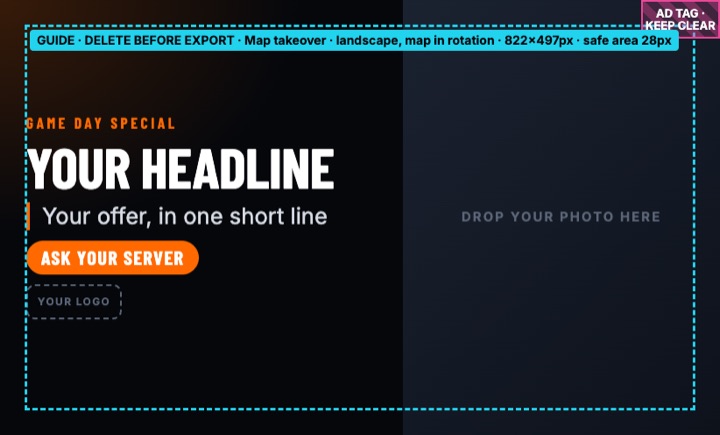
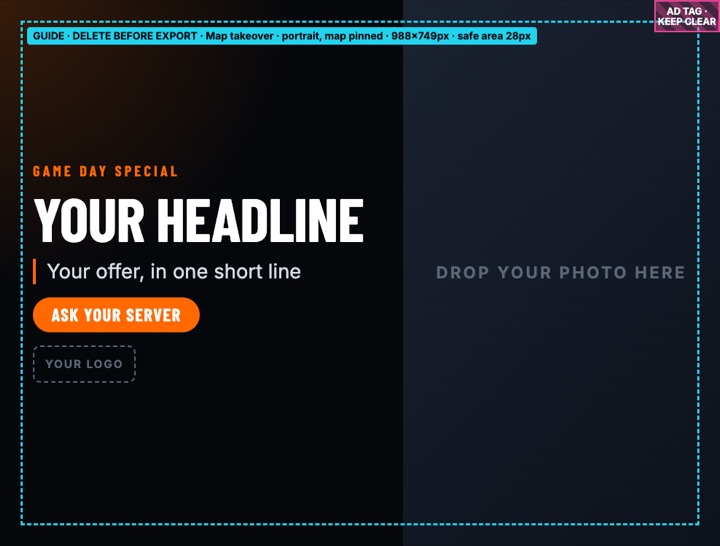
Every zone has a free Canva template sized to the pixel, with the safe area and the corners the board draws over marked on a guide layer. Open one and Canva gives you your own copy to edit.
- Open the template and add your photo, logo and offer.
- Delete the cyan guide layer and download a PNG.
- Upload it when you book: GameView recognises the size and puts it in the right zone.
Full board
Full board
Map takeover
Map takeover
Map takeover
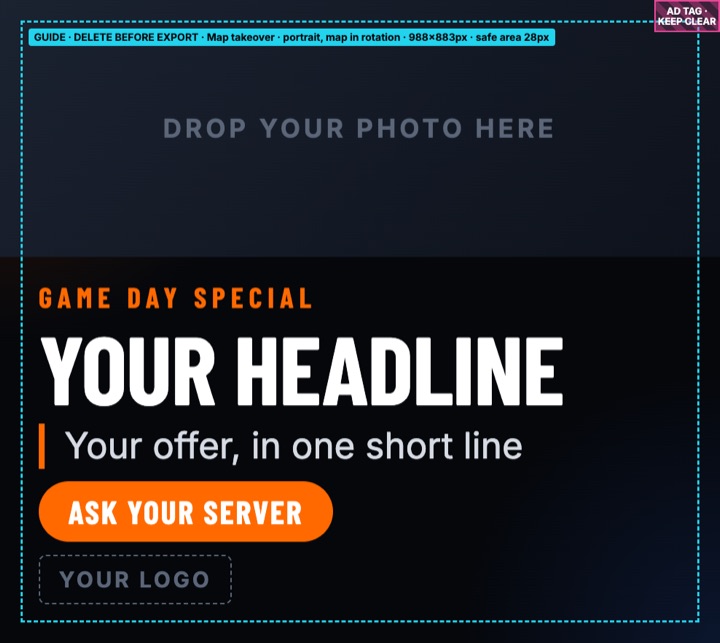
Map takeover

Marquee sponsor
Marquee sponsor
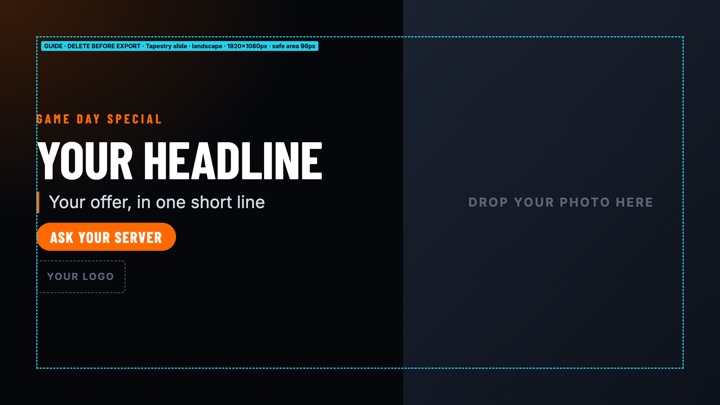
Signage slide
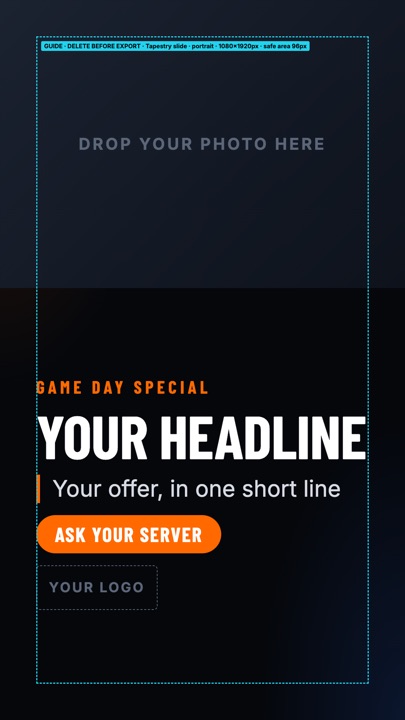
Signage slide
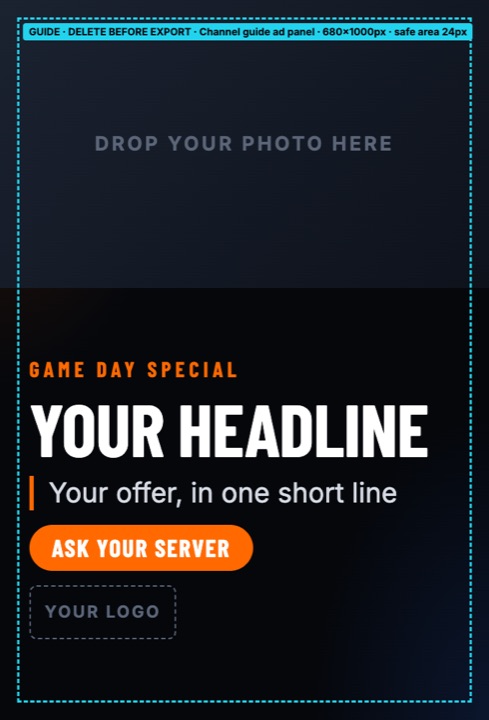
Channel guide panel
Booked like a TV schedule. Each ad has its days of the week, a start time and an end time, even past midnight. The venue's day timeline shows every zone as a track, so open slots are easy to spot.
The shop next door, on game day.
- Found for you. GameView finds businesses within a set radius of each venue and pitches them the games coming up, from the big national matchups to local high-school and college games.
- Offer and counter. They accept the offer or counter it, and the ad goes live in the zones they bought.
- Leads from the board. Fans who scan the QR can ask about advertising from their phones, and the lead goes to the venue manager.
- Sold in house, too. The beer distributor, Tuesday trivia, the kitchen special: venues book their own sponsors into any zone.
One buy, every screen in the network.
- One budget, many venues. A brand sets one budget and spreads it across venue groups, by region or by chain.
- Promised versus played. Every venue placement records the showings and seconds promised, and checks them against what actually played.
- Per-store QR coupons. Scans are counted venue by venue, and A/B creative tests split fairly across stores.
- Honest audience. It's measured where a venue has GhostView, and a labelled estimate where it doesn't.
Venues keep 70% of the ad revenue their screens earn, credited against the screen subscription. Sell one sponsor and the board starts paying for itself.
SignageBridge Allstars
Turn regulars into Allstars.
Every board carries its own QR code. A guest scans it and lands on your venue's page: what's on your TVs today and this week, plus a one-minute sign-up. The ones who keep coming back end up on the board.
- Your fan list. Every sign-up is shared with the venue, with visits counted, and you can export it whenever you like.
- Nicknames, not names. The screens only ever show an Allstars nickname, and every one is checked by a word filter, then AI, then a person before it appears.
- They follow you. Allstars follow their venues and their teams, so you know who comes in for which game.
★ Allstars
Our regulars- 1
 BlitzBettyBills31days
 - 2
 BayBomberBuccaneers24days
 - 3
 DugoutDeeBraves17days
 - 4
 HeatCheckHeat12days
Scan
The board's QR opens your venue's page, and the screen greets them with a WELCOME! burst.
Join
They pick their teams and an Allstars nickname. Sign-in is a six-digit code by email, so there's no password to forget.
Show up
Regulars land on the board's ★ Allstars card, ranked by the days they've been in.
Get alerts Coming soon
An alert when their team is on at a venue they follow: which place, which game, what time.
All Star Sleeper Fantasy Leagues
Their league, on your screens.
The groups who watch at your place every Sunday see their own fantasy league between the games: this week's matchups with live points, the full standings, and the week's top scorers.
- A league for every group. Add each one with any member's Sleeper username and pick the league. Add as many as you have groups; the board takes turns.
- Standings, full screen. The whole league at once: records, points for and against, and who's on a streak.
- Live on game day. Matchup points update during the games, about once a minute.
- Points on the game board too. On the football board, each team's offensive leaders carry their fantasy points for the game, live. See Red Zone
- Clean screens. A team name with a slur or profanity never shows; the manager's name is used instead.
- Sunday regulars. A league that's on your TVs is a league that watches at your bar, week after week.
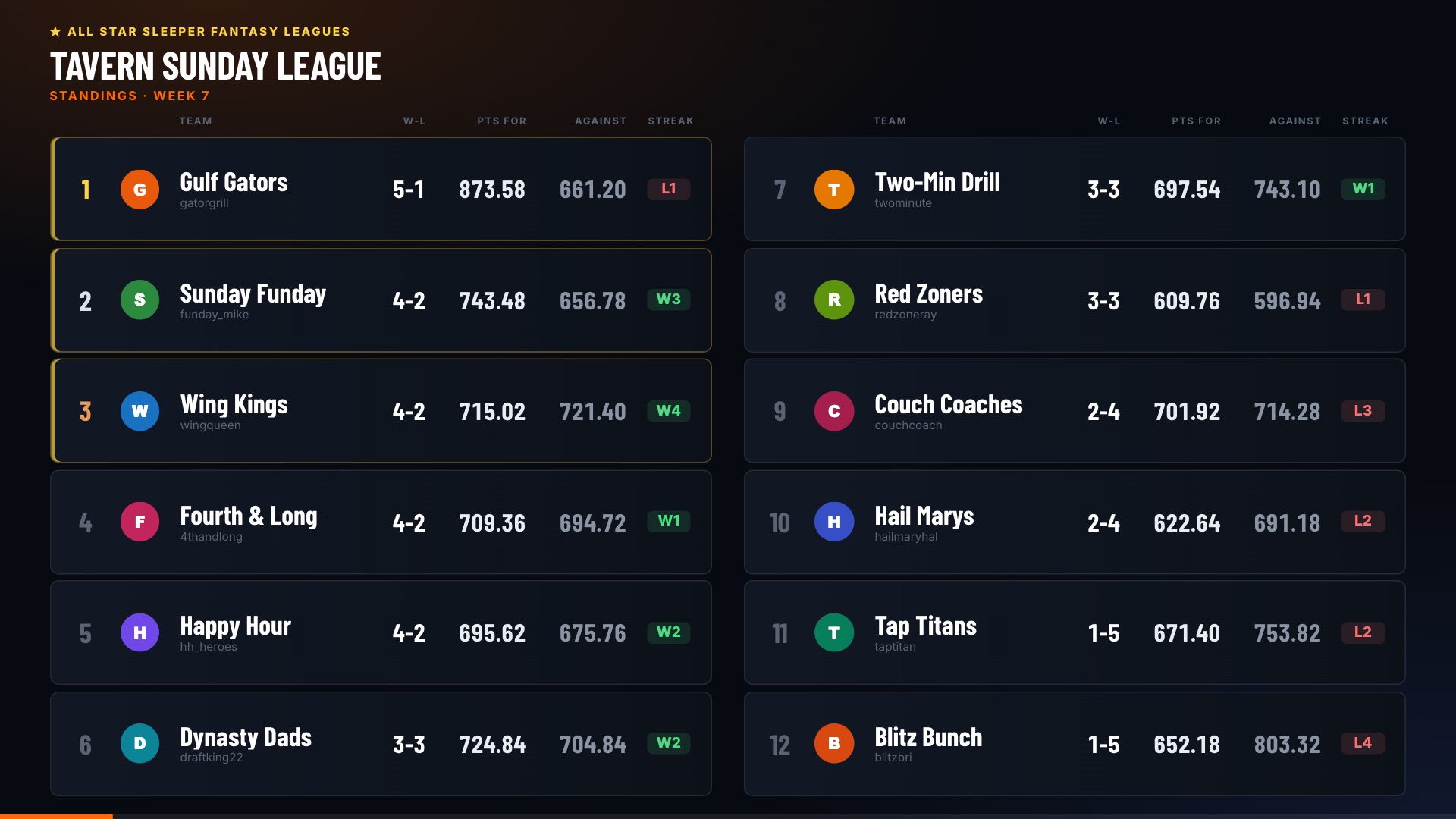
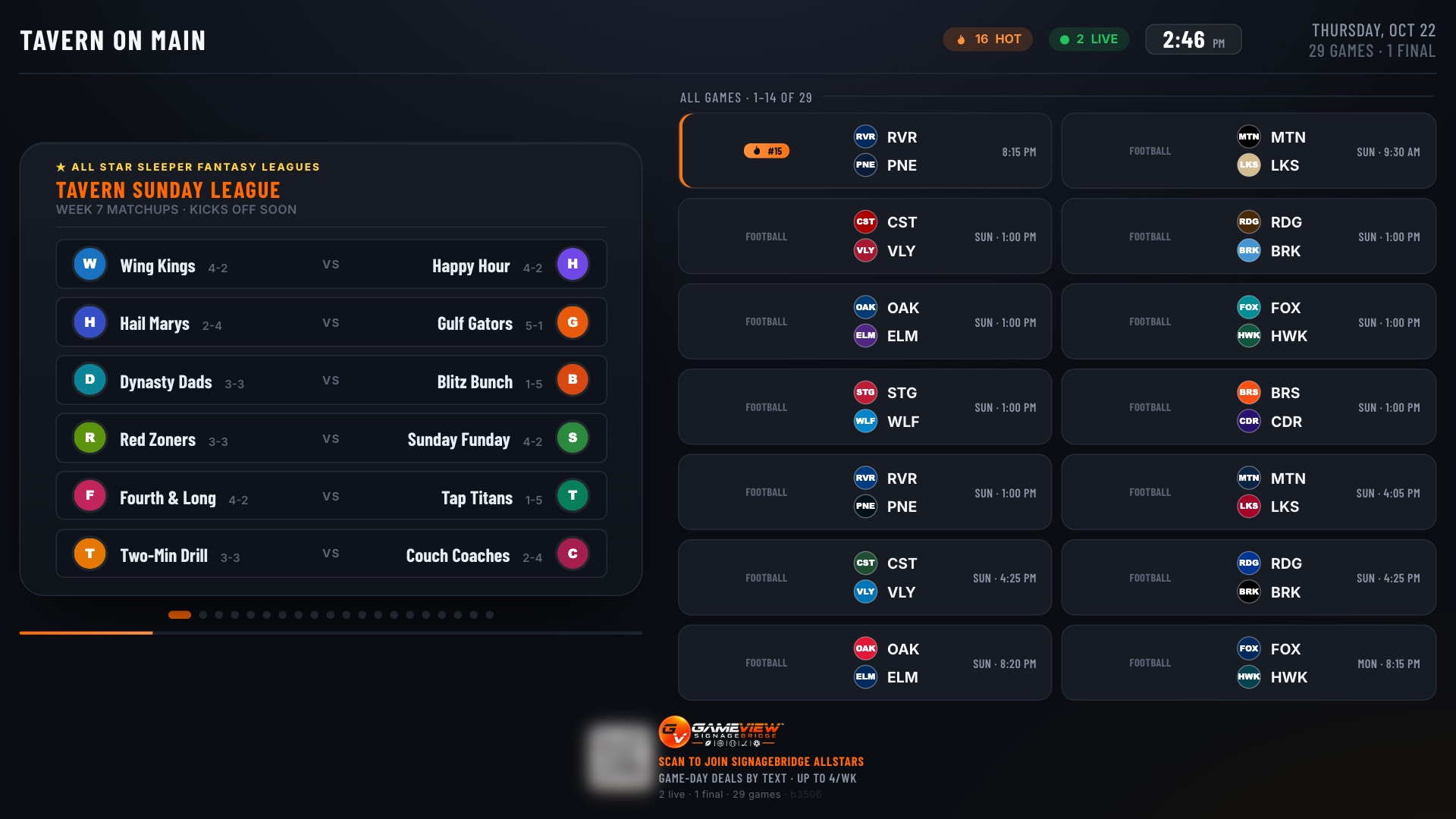
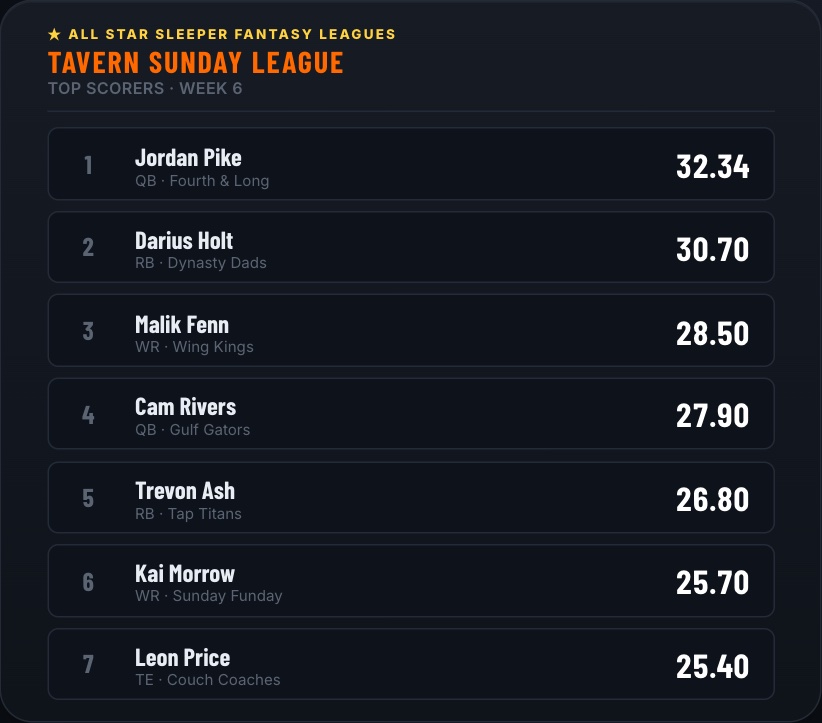
The league, teams, managers and players shown are examples.
Allstars · Loyalty program interfacing
Plug your rewards program into Allstars.
Already run a rewards program through your POS or loyalty provider? Connect it to SignageBridge Allstars, so the fans on your board and the members in your program are the same people, with the same points.
- See your Allstars. Your program reads your venue's Allstars and every visit they make, and can look a member up by email or phone.
- Hear every check-in. Your system gets a message the moment a fan joins your venue or checks in, so it can credit the visit right away.
- Points and tier, on show. Send back each member's points and tier and they appear on the fan's Allstars page and your screens: Gold · 1,240 pts.
- Perks that light up the room. Award a perk from your program and it lands on the fan's page. If you like, their nickname celebrates on your screens too.
Your Sports Bar
31 days there · Your Sports Bar RewardsExample venue, nickname and points
Fans choose
Each fan decides, venue by venue, by ticking "Link my Allstars to" your program. Until they do, your program sees only a nickname and visit counts.
Names and emails, with permission
A linked fan's name and email go to your program. Phone numbers are never shared.
They can change their mind
A fan can unlink at any time from their Allstars page, and your program stops seeing them at once.
Your venue only
Each venue gets its own keys, and a key reaches that venue only. Other venues' fans stay out of view.
A REST API with signed webhooks (member.joined, visit.checked_in, perk.awarded and more). You create the venue's keys and webhooks on the All Stars page in the GameView portal.
The SignageBridge player
One small box behind the TV. Ethernet or Wi-Fi.
It bolts to the TV's VESA holes, plugs into HDMI and runs the whole board. Plug in a network cable, or join Wi-Fi straight from the TV.
Ethernet or Wi-Fi
Wired when there's a jack. Otherwise pick the venue's Wi-Fi on the TV with a keyboard, from the portal, or from your phone through the player's setup hotspot.
Turns the TV on and off
It powers the TV on and off over HDMI and switches it to the board, right from the portal.
Looks after itself
Updates arrive on their own. If the network drops, connection checks appear on the screen so anyone can see what's wrong.
Ready for GhostView
GhostView sensors just connect to it. No extra box.
Get SignageBridge
Plug in. Scan. Game on.
per month
Plug a SignageBridge player into any TV, scan the pairing code and the board comes up. Your floor plan, your leagues and your brand are set up in the portal, and your ad revenue is credited back against the bill.